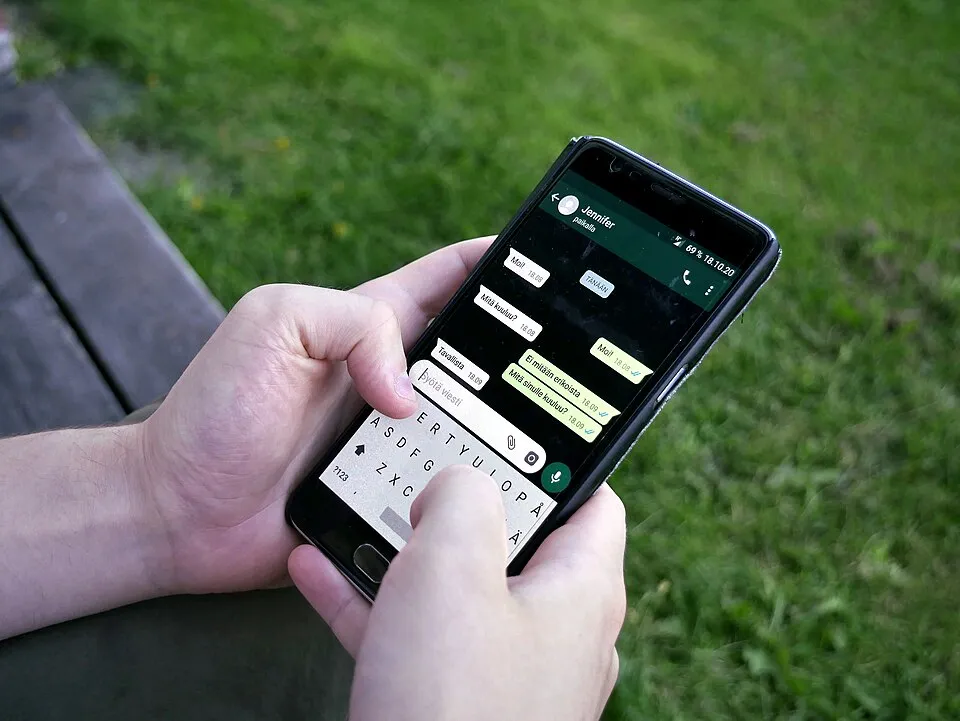
New WhatsApp Tools for Busy Group Chats
Key Vocabulary
an online conversation with several people
Our family has a group chat.
a question where people choose from different answers
We made a poll about dinner.
a person who helps manage a group
The admin changed the group settings.
a message or sound that gets your attention
My phone gave me an alert.
to stop sounds or notifications
I mute the chat when I am working.
Article
WhatsApp added new tools for group chats in August 2026. The changes can help people plan things and manage large groups. [1][2]
Polls are more useful now. A poll can have an end time. The person who makes it can also hide voters' names or edit the poll for 15 minutes. [1]
There is also a new @all mention. It sends an alert to everyone in the group. In groups with more than 32 people, only group admins can use it. [2]
People can mute @all alerts if they do not want them. This may be useful in very busy chats.
Members can also make a smaller group from an existing group chat. Some useful information from the old group can move with them. [2][3]
Group chats can become confusing when many people are talking. These tools try to make planning and communication simpler.
Discussion Questions
- How many group chats do you use regularly?
- What do people usually plan in your group chats?
- Which messages should be sent to everyone?
- What makes a group chat too busy?
- What new chat tool would you like to have?
References
Finished reading? Mark this lesson as done.